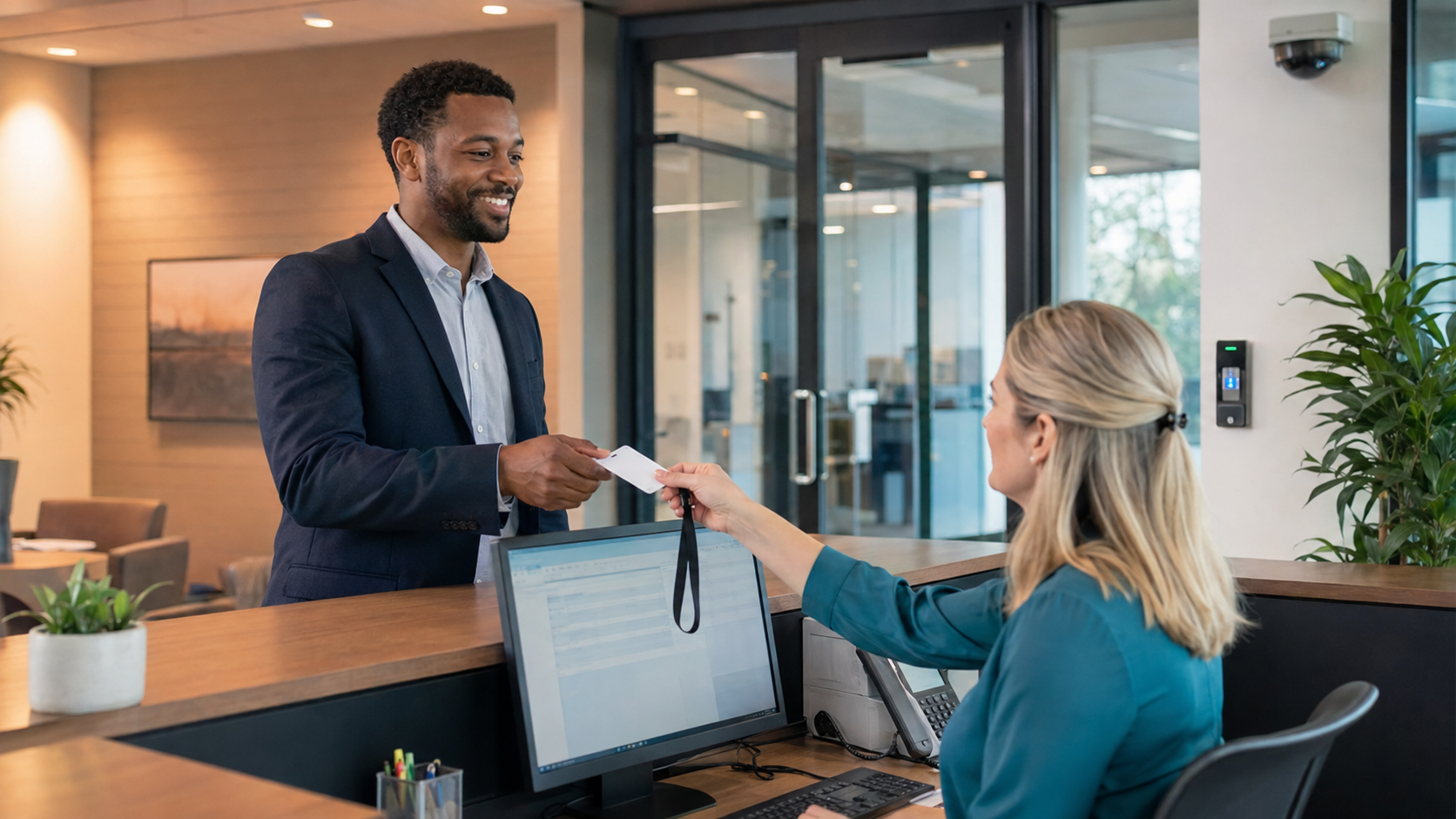
A secure commercial lobby does not need to feel like an airport checkpoint
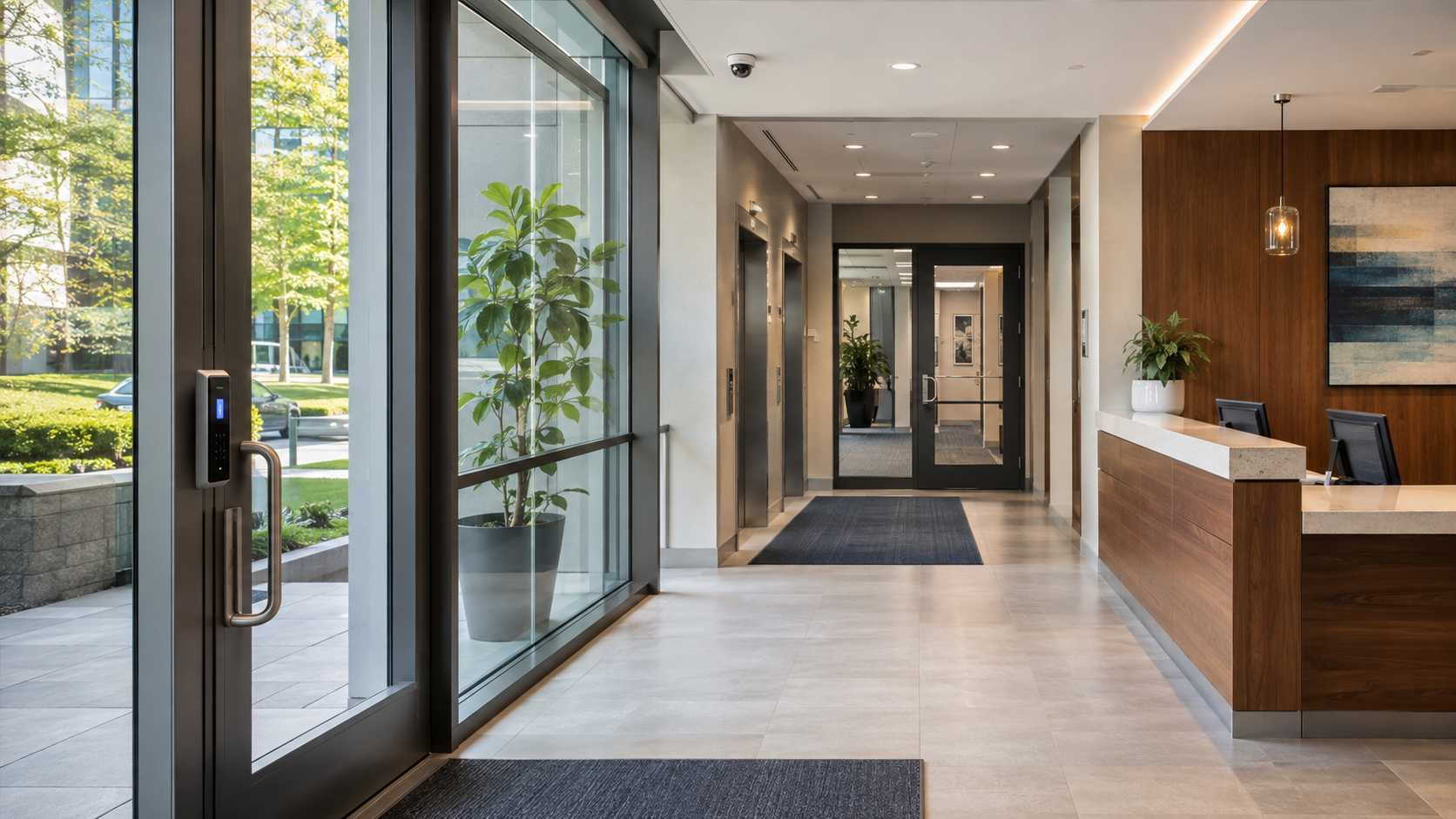
A busy IT director can easily underestimate the lobby. It may look like a reception desk, a waiting area, and a set of elevators. From a security standpoint, it is the point where employees, vendors, visitors, contractors, deliveries, and unknown individuals first meet the organization.
A secure commercial lobby does not need to feel like an airport checkpoint. It does need to answer a few basic questions consistently: Who is entering? Why are they here? Who approved the visit? Where does the organization allow them to go? What happens when something does not look right?
Heading into 2027, the strongest lobby-security programs use access control as the foundation and connect it with visitor management, video surveillance, intercoms, alarms, and clear operating procedures. The goal is simple: make legitimate access easy, make unauthorized access difficult, and give the organization a reliable record of what happened.
What is the best way to secure a commercial lobby?
The best way to secure a commercial lobby is to control the entry process electronically, verify visitors before granting access, connect access events with video, and limit movement beyond the lobby to approved areas. The system should also provide a practical response when a credential is missing, a visitor arrives unexpectedly, or an employee holds a door open for someone else.
That sounds straightforward. In practice, many lobbies fail because they rely on one isolated measure. A receptionist may ask visitors to sign a paper book, while an unlocked inner door allows anyone to reach the elevators. A camera may record the entrance, but nobody can quickly connect the video to a specific person or access event. A card reader may protect one door, but former employees still have active credentials because the access process does not connect to HR and IT.
Commercial lobby security is not one device. It is a controlled sequence:
A person approaches the building.
The organization determines whether it expects the person or has authorized them.
The person receives the right level of access.
The system records the event.
The visitor remains in the appropriate area until staff escorts them or approves their movement.
The organization can investigate or respond if the process breaks down.
CISA’s Interagency Security Committee describes facility access control as a process that includes employees and visitors from entry through the broader access-control lifecycle. NIST likewise treats physical access as a security control that organizations should authorize, monitor, and review—not simply assume because a door has a lock. CISA facility access control guidance and NIST physical-access controls provide useful frameworks even for organizations that are not federal agencies.
Why does the lobby deserve special attention?
The lobby deserves special attention because it is usually the least controlled space inside a commercial building and the place where the most people interact with the organization. Employees know the building. Visitors do not. Reception teams may be handling phones, deliveries, employee questions, and scheduled appointments at the same time. That combination creates gaps.
The lobby also creates a natural opportunity for social engineering. Someone may claim to be visiting an employee, delivering equipment, repairing a copier, or returning a badge. If the process depends on a busy employee recognizing every face, the organization is asking people to compensate for a weak system with attention alone.
The risk goes beyond theft. An unauthorized person may reach sensitive offices, observe employee routines, photograph screens, access network closets, follow an employee through a secure door, or create a situation that staff do not know how to handle. OSHA’s workplace-violence guidance recognizes that workplace-violence incidents can involve clients and visitors and recommends evaluating access control, visitor procedures, escorts, identification, lighting, and surveillance as part of a site-specific prevention program.
This does not mean every lobby needs guards, metal detectors, or a complicated screening process. It means organizations should design the lobby around the actual risk, the building’s layout, the hours of operation, and the people who use it.
What should a commercial lobby access-control system include?
A commercial lobby access-control system should usually include a controlled exterior entry, a protected interior boundary, credential readers, visitor procedures, video coverage, a way to communicate with people at the entrance, and an administrative process for issuing and removing access. The exact hardware depends on the building, but the operating logic should be clear.
1. A clearly defined entry point
Start by deciding where people should enter. If every exterior door is open during business hours, the lobby may not be functioning as a security boundary at all. A primary entrance gives the organization a consistent place to apply the visitor process and allows cameras, intercoms, signage, and staff attention to work together.
Secondary doors still matter. They may need scheduled unlocking, badge access, automatic relocking, door-position monitoring, or alarm notifications. Emergency exits must remain available for life safety, but that does not mean the organization should ignore them from a security perspective.
The point is not to force every person through one narrow path regardless of the building. The point is to know which doors are public, which are employee-only, which are emergency-only, and who is responsible for reviewing exceptions.
2. An inner security boundary
Many commercial lobbies have a front door but no meaningful boundary after reception. Once a visitor enters, they can walk toward elevators, stairwells, conference rooms, or employee work areas. Access control should create a second decision point where appropriate.
That may be a secured elevator lobby, a turnstile, a card-controlled interior door, or a reception-controlled release. The right design depends on the building and the visitor experience, but the principle is consistent: a person should not gain access to the rest of the facility simply because they reached the reception area.
3. Credentials that match the person’s role
Employees, contractors, vendors, and visitors do not need identical access. A modern system should support different credential types and schedules, including cards, mobile credentials, temporary credentials, PINs, or other approved methods.
The organization should base access on the person’s role, location, and time—not on convenience alone. An employee who needs access to a warehouse may not need access to executive offices. A cleaning contractor may need a limited schedule. A visitor may need access only to one conference room and only while someone accompanies them.
This is where standardization matters. If every location creates access differently, the IT director eventually inherits a maze of exceptions. Consistent access levels and naming conventions make the system easier to audit, support, and expand.
4. Visitor management tied to access control
Visitor management should answer more than “Did someone sign in?” It should establish who the visitor is, who they are meeting, whether the organization expected the visit, what access they received, and whether they left.
The process may include pre-registration, host notification, identification verification, a temporary badge, escort requirements, expiration times, and a visitor log. The important part is that the visitor’s authorization does not last forever and does not quietly become employee access.
Paper logs are easy to overlook, difficult to search, and vulnerable to incomplete entries. An electronic visitor process can create a clearer record and reduce how much judgment reception staff must exercise. It can also help the organization produce an occupancy picture during an emergency.
5. Video that supports the access event
Video surveillance is most useful when it helps answer a specific question. Who entered? Did the person who received the badge use it? Did someone follow behind them? Did someone hold the door open? Did the visitor go where the organization allowed them to go?
Camera placement should cover the approach to the entrance, the person’s face at the point of entry, the reception area, the interior access point, and other areas where movement matters. Avoid placing cameras where glare, backlighting, decorative walls, or poor angles make identification difficult.
When a security or IT team reviews video and access events together, an investigation becomes much more practical. Instead of searching through hours of footage, a security or IT team can start with a credential event and examine the associated video.
6. Intercoms and communication tools
An intercom or video intercom can give staff a way to communicate with someone before releasing a door. This is especially useful for after-hours entry, delivery doors, remote sites, or locations without a full-time receptionist.
Communication should not become a substitute for verification. A person who sounds convincing on an intercom is still an unverified person. The best process combines communication with scheduled visits, host confirmation, credentialing, or a defined escalation path.
7. Door monitoring and exception alerts
Access control should report more than successful entries. Forced-open doors, doors held open too long, repeated denied attempts, offline devices, and access outside an approved schedule may all deserve attention.
The system should not create so many alerts that staff ignore them. Define which events require immediate response, which staff can review later, and who receives each notification. A small number of meaningful alerts is more useful than a flood of noise.
How should visitor access work in a commercial lobby?
Visitor access should begin before the person reaches the lobby whenever possible. The host or employee should submit the visit, the visitor should receive clear arrival instructions, reception should be able to confirm the appointment, and the visitor should receive limited access that expires when the visit ends.
A practical visitor workflow looks like this:
Before arrival
The employee schedules the visit with the visitor’s name, company, expected arrival time, host, destination, and any escort requirement. If the visit involves a sensitive area, the host identifies that restriction in advance.
For recurring contractors, do not let familiarity replace control. Their access may be recurring, but it should still have a defined purpose, location, and expiration date.
At arrival
The visitor checks in at the designated point. Reception or the visitor-management system confirms the visit, captures the required information, and notifies the host. If the employee did not schedule the visit, the visitor waits while the organization confirms who they are and why they are there.
This is where the system should make the right behavior easy. If reception has to search multiple spreadsheets, call several people, and manually create a badge, shortcuts become more likely.
During the visit
Visitors should wear a badge that makes their status visible without exposing unnecessary personal information. They should remain in approved areas, and staff should escort them when policy or risk requires it.
The goal is not to make visitors feel unwelcome. It is to make the boundaries understandable. A visitor who knows where they may go is easier to manage than a visitor who receives vague instructions and must follow signs through the building.
At departure
The visitor checks out, returns the badge if applicable, and loses access at the end of the appointment or at a defined expiration time. The system should record the departure or flag an open visit for follow-up.
Organizations frequently miss that last step. An organization may have a strong check-in process and still lack a reliable understanding of who remains in the building. Check-out is part of access control, not administrative cleanup.
How does cloud-managed access control help IT directors?
Cloud-managed access control gives IT directors a central place to manage users, doors, schedules, events, and permissions across locations. It can reduce the need to visit each building for routine changes and provide visibility when an employee, contractor, or visitor needs access adjusted quickly.
For an organization with one building, the benefit may be easier administration. For an organization with multiple sites, the difference is larger. A centrally managed system can apply consistent policies, standardize access groups, review activity, and support new locations without creating a separate security island at every site.
Cloud management does not mean organizations should expose every control directly to the public internet. The underlying system still needs strong identity management, secure communications, appropriate permissions, device maintenance, and a clear plan for network outages. NIST’s security controls emphasize both physical access restrictions and the need to manage access authorization over time.
The network design also matters. A security system should not require unnecessary open ports or firewall holes simply to make remote administration convenient. IT directors should ask how the platform communicates, what outbound connections it needs, how the platform protects administrative access, and how the security integrator will coordinate with the organization’s network team.
The best solution is the one that gives the IT team useful visibility without adding an unmanageable technology stack. One system, consistent rules, and a partner who can support the deployment are often more valuable than a collection of impressive features that operate separately.
What role does video surveillance play in lobby security?
Video surveillance helps deter misconduct, verify identity, investigate incidents, and provide context around access events. It should support the access-control process rather than operate as a separate camera project.
In a lobby, the most important video questions are practical:
Can the camera produce a usable face image at the entry point?
Can staff see the person approaching before the system releases the door?
Can the organization determine whether a visitor entered alone or followed someone through?
Can the video show where a person went after entering?
Can authorized staff review video remotely when an incident occurs?
Video retention should reflect the organization’s risk, legal requirements, investigation needs, and available storage. More footage is not automatically better. If nobody can find the relevant event, the organization has stored data without gaining much operational value.
Privacy also belongs in the design conversation. Limit access to video, define retention practices, protect administrative accounts, and make sure signage and policies fit the organization’s obligations. Security should protect people without creating casual access to sensitive recordings.
How can a lobby be secure without making it inconvenient?
A lobby can be secure without being frustrating when the organization designs the process around predictable movement. Employees should be able to enter quickly with reliable credentials. Expected visitors should not have to repeat information from registration. Reception should have enough information to make decisions without calling five departments.
Convenience comes from preparation, not from removing controls.
Mobile credentials, pre-registration, automatic host notifications, temporary badges, scheduled access, and clear signage can reduce friction while still creating meaningful boundaries. The system should also have a plan for the exceptions that cause the most pressure: a forgotten badge, a delivery at the wrong door, an employee who needs after-hours access, a visitor who arrives early, or a system that temporarily loses connectivity.
Test those situations. A system that works only when everyone follows the normal process is not finished.
What should IT directors ask before upgrading lobby security?
Before selecting hardware or replacing a lobby system, ask questions that expose the operating model:
Which doors are public, employee-only, emergency-only, or restricted?
What should happen when an unscheduled visitor arrives?
How does the organization issue, change, and remove employee credentials?
Who approves contractor and vendor access?
How long should visitor credentials remain valid?
Can the system support multiple locations from one administrative view?
Can the system connect access events to relevant video?
What happens during a network or power interruption?
Which alerts require immediate action?
Who owns the system after installation?
Does the design require unnecessary inbound firewall access or exposed ports?
What will the process look like for a new location, a new employee, or a changed floor plan?
These questions force the project beyond a product comparison. Two systems may both offer card readers and mobile credentials, but they may differ significantly in administration, support, reporting, integration, and long-term cost.
What are the most common commercial lobby-security mistakes?
Protecting the front door but not the next door
An exterior reader does little if visitors can move freely from the lobby to employee areas. Review the entire path, not just the entrance.
Treating cameras as proof of security
A camera records what happened. It does not decide whom the organization authorizes to enter. Video is strongest when it works with access control and clear procedures.
Giving permanent access for temporary needs
Temporary work should receive temporary access. Expiration dates, schedules, and regular reviews prevent old permissions from becoming invisible risk.
Leaving HR and IT changes disconnected from access control
When an employee leaves or changes roles, access should change promptly. Manual hand-offs create delays and uncertainty. Define who triggers the change and how the organization verifies it.
Using different rules at every location
Local differences may be necessary, but every site should not invent its own access groups, naming conventions, or visitor process. Standardize the common pieces and document the exceptions.
Designing around equipment instead of behavior
The right reader cannot fix a process that nobody understands. Walk through the lobby at opening, closing, lunch, shift change, delivery time, and after hours. Watch what people actually do.
Ignoring the support relationship
Commercial security does not end when installers mount the equipment. Firmware, credentials, camera views, door hardware, user permissions, and operating procedures all need ongoing attention. Choose a partner who will stay involved after installation.
How should you plan a commercial lobby-security project?
Begin with a site assessment, not a shopping list. Document the entrances, interior doors, reception position, elevators, stairs, public areas, sensitive areas, visitor flow, delivery routes, employee schedules, and after-hours conditions.
Then define the decisions the system must make. Who may enter? At what time? Through which door? With what credential? Who approves exceptions? What event creates an alert? Who receives it? What happens next?
From there, create a standard design that the organization can repeat at additional locations. Use consistent access groups, door names, user roles, alert priorities, and reporting practices. Where a site requires something different, document why.
The technology should serve that design. A qualified security partner can help coordinate access control, video, intercoms, door hardware, networking requirements, visitor workflows, and service responsibilities so the IT director does not have to manage disconnected vendors.
Commission the system in stages. Test every reader, door contact, request-to-exit device, camera view, intercom, alert, credential type, schedule, and emergency procedure. Test denied access as carefully as successful access. Then train the people who will use the system every day.
Finally, set a review schedule. A lobby changes when the company moves teams, adds contractors, changes reception coverage, opens another location, or remodels the floor. The access-control design should change with it.
How should an IT director measure whether lobby security is working?
Measure the process, not just the equipment. A lobby-security review should show whether the team removes credentials on time, whether temporary visitors are expiring as intended, whether doors are generating repeated forced-open events, and whether staff can retrieve the right video and access record when something happens.
Useful measures include the number of active credentials by site, credentials with no recent owner review, overdue visitor check-outs, repeated denied-access events, door-held-open alarms, unresolved device outages, and how long it takes to disable access after an employee departure. These are not performance numbers for the sake of creating a dashboard. They point to places where the process is drifting.
Run a short access review at regular intervals. Pick a sample of employees, contractors, and visitors. Confirm that their permissions match their current role, location, and schedule. Walk the visitor path and ask a receptionist to demonstrate an expected visit, an unexpected arrival, and a lost badge. If the person responsible for the lobby cannot complete those tasks without a workaround, the system needs attention.
The review should also include the relationship with the security provider. Does the provider answer service requests clearly? Does the provider fix recurring issues at the source? Does the partner understand the organization’s standard design, or does the provider treat every change as a new project? A scalable system is valuable only when the operating support around it can scale too.
The 2027 standard for a secure commercial lobby
The standard has moved beyond “install a card reader at the front door.” A secure commercial lobby should establish identity, control movement, record access, support investigation, and remain manageable as the organization grows.
For a busy IT director, that means the system should be simple to administer, scalable across locations, and secure by design. It should not depend on a receptionist remembering every employee, a paper log nobody reviews, or a camera archive nobody can search. It should give the organization a consistent way to handle normal arrivals and unusual situations.
The strongest lobby-security programs also recognize that experience matters. Employees need a system that works. Visitors need a process that is clear. Reception teams need tools that help them make decisions. Security teams need usable records. IT needs visibility without unnecessary complexity. Leadership needs confidence that the system will still make sense six months from now.
That is what good commercial security delivers: controlled access that feels straightforward to the people who should use it, and meaningful barriers for the people who are not.
FAQ: Commercial Lobby Security
What is the most important security measure for a commercial lobby?
The most important measure is a controlled access process that verifies people before they move beyond the public lobby. In most commercial buildings, that means electronic access control at the appropriate doors, a defined visitor-management process, and a clear way to connect access events with video. A single lock or camera cannot replace a complete entry process.
How does access control secure a commercial lobby?
Access control secures a commercial lobby by deciding who can enter, which doors they can use, and when they can use them. Employees receive credentials according to their roles and schedules, while visitors and contractors receive limited, temporary access when appropriate. The system records successful entries, denied attempts, door alarms, and other events so the organization can respond and investigate.
Should commercial lobbies use visitor-management software?
Most commercial lobbies benefit from electronic visitor management, especially when they receive regular visitors, contractors, vendors, or guests across multiple locations. A visitor-management system can support pre-registration, host notification, temporary badges, access expiration, check-in, and check-out. It also creates a more usable record than a paper sign-in sheet.
How do you secure a lobby without making it unwelcoming?
Secure the lobby by making the normal visitor process clear and efficient rather than removing security controls. Pre-register expected visitors, provide simple arrival instructions, notify hosts automatically, issue temporary credentials when appropriate, and use clear signage. Employees should receive reliable credentials that allow quick entry, while visitors should understand where they may go and who is responsible for them.
What cameras does commercial lobby security need?
Commercial lobby security typically needs cameras covering the approach to the entrance, the person’s face at the entry point, the reception area, the interior security boundary, and important movement paths such as elevators or restricted corridors. Camera placement should prioritize usable identification and context, not simply the number of cameras installed. Video is most valuable when staff can review it alongside access-control events.
Is cloud-managed access control secure for a commercial building?
Cloud-managed access control can be secure when it uses strong administrative authentication, controlled permissions, secure communications, maintained devices, and a documented plan for outages. IT directors should also ask whether the system requires unnecessary inbound firewall access or exposed network ports. Cloud management should simplify administration and provide centralized visibility without weakening the organization’s network-security practices.
How should businesses handle former employees’ access?
Businesses should disable a former employee’s credentials as part of the offboarding process, not days later during a periodic review. The organization should clearly assign HR, IT, and security responsibilities, and the organization should verify that it has removed or changed physical credentials, mobile credentials, PINs, visitor permissions, and remote administrative access. Role changes should trigger an access review as well.
What should a commercial lobby-security assessment include?
A commercial lobby-security assessment should review exterior entrances, reception, interior doors, elevators, stairwells, visitor flow, delivery routes, employee access, after-hours conditions, cameras, intercoms, door hardware, alarms, network requirements, and operating procedures. It should also examine how the organization issues and removes credentials, how the organization approves and checks out visitors, and how the system will scale to additional locations.
How often should organizations review commercial lobby access permissions?
Organizations should review access permissions whenever an employee leaves, changes roles, or no longer needs a location, and organizations should also conduct scheduled reviews at regular intervals. The review should look for inactive credentials, temporary access that failed to expire, permissions outside a person’s role, repeated denied events, and doors or devices that are frequently offline. The schedule should match the organization’s risk and operating complexity.